
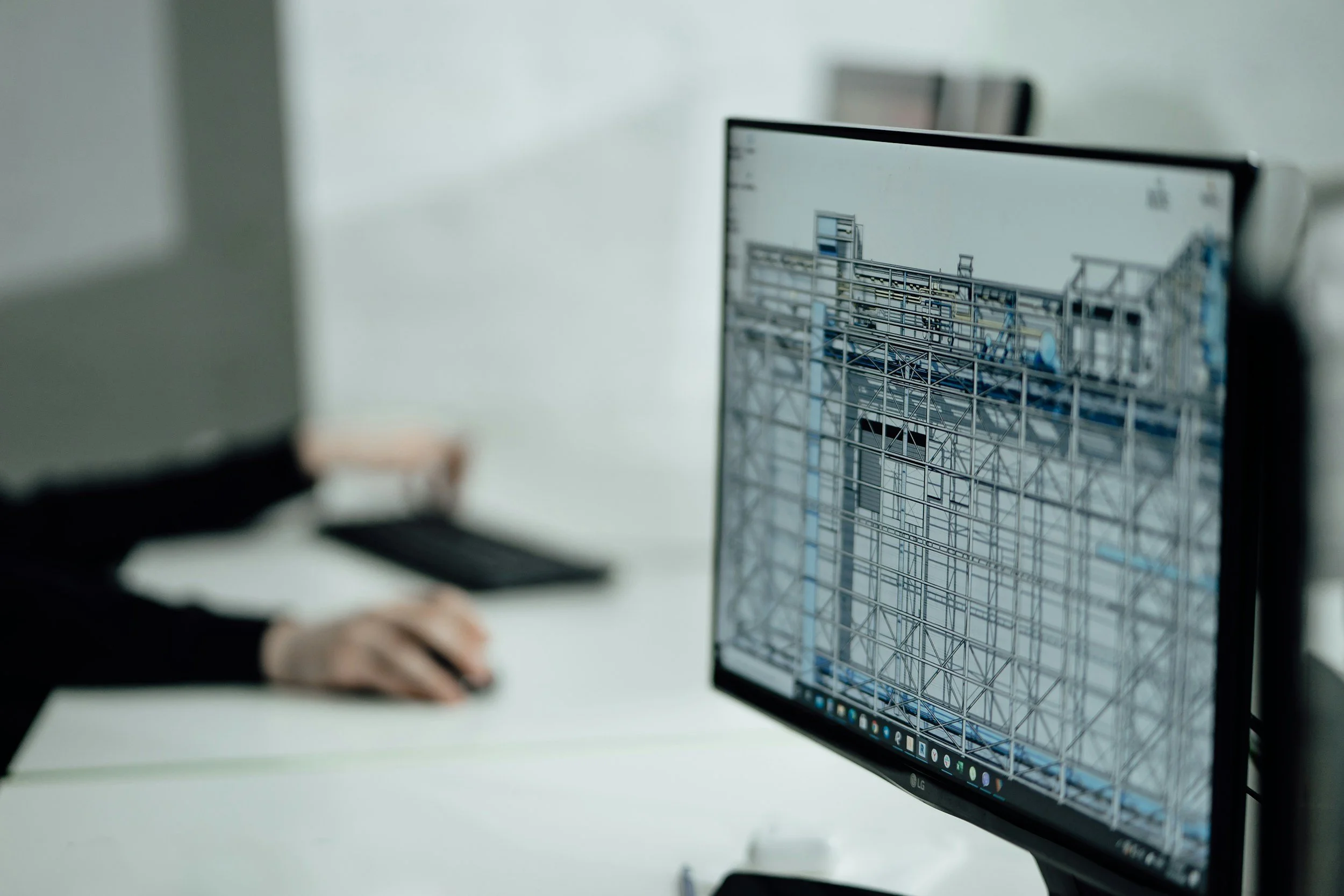
Revit / BIM
Common Pain Points
“We don’t have time to switch to Revit.”
“We use old projects as templates.”
“Revit can’t do XYZ...”
“We bought Revit but always fall back to CAD.”
“Revit content doesn’t suit our workflows.”
“Revit graphics look terrible.”
Most small firms I work with share the same challenges: no time to fully switch from CAD, teams that know the basics but not the best practices (often hurting more than helping), templates that seem to create more confusion than clarity, etc. Without someone dedicated to managing BIM, small inefficiencies snowball into wasted hours, inconsistent documentation, and unnecessary stress. I get it because I’ve lived it. That’s exactly why I focus on helping firms simplify their BIM workflows, establish clarity and consistency, and finally make Revit the powerful tool it was meant to be.
How I Can Help
When I start working with a firm, my goal isn’t just to “fix your Revit problems” — it’s to understand how your team works, where the friction points are, and what success actually looks like for you. Every firm has its own rhythm, priorities, and pain points, so my approach is always tailored rather than templated.
Sometimes that means creating a clear, step-by-step plan for transitioning from CAD to Revit without disrupting active projects - or, when it makes sense, drawing a line in the sand and going “cold turkey”.
Other times, it’s about refining standards, building content libraries, or coaching teams on better workflows and coordination. I combine strategy, training, and hands-on support so that your team doesn’t just learn new tools — they actually use them with confidence.
My job is to bridge the gap between design and technology, making sure BIM serves your practice instead of slowing it down. There’s no one right way to something, nor a one-size-fits-all solution.
Transition Support
Implementation Roadmap
Revit Setup
Standards Migration
Workflow Optimization
Template Development
Family Creation
Add-ins
Team Training
Coaching Sessions
Training Development
BIM Manual
Ongoing Support
BIM isn’t just a “software”, it’s a smarter way to design, collaborate, and deliver. Investing in it is a long-term strategy, not a quick fix. My goal is to help set your team up for success so you can focus on great design.
Content Management
Issue Triage
Model Audits
Work smarter, not harder

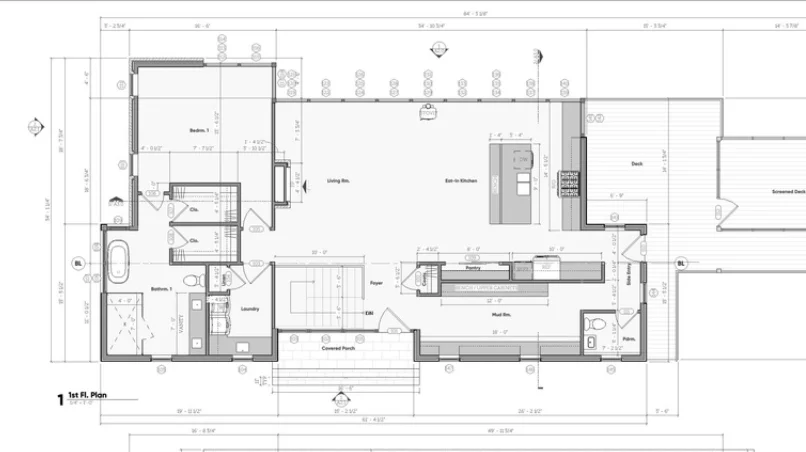
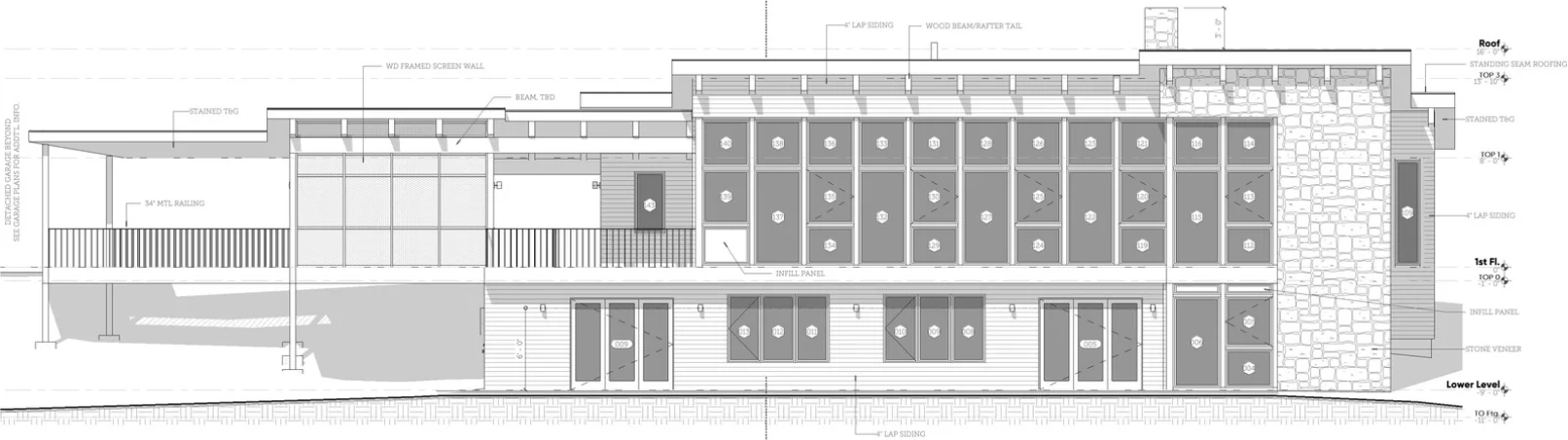
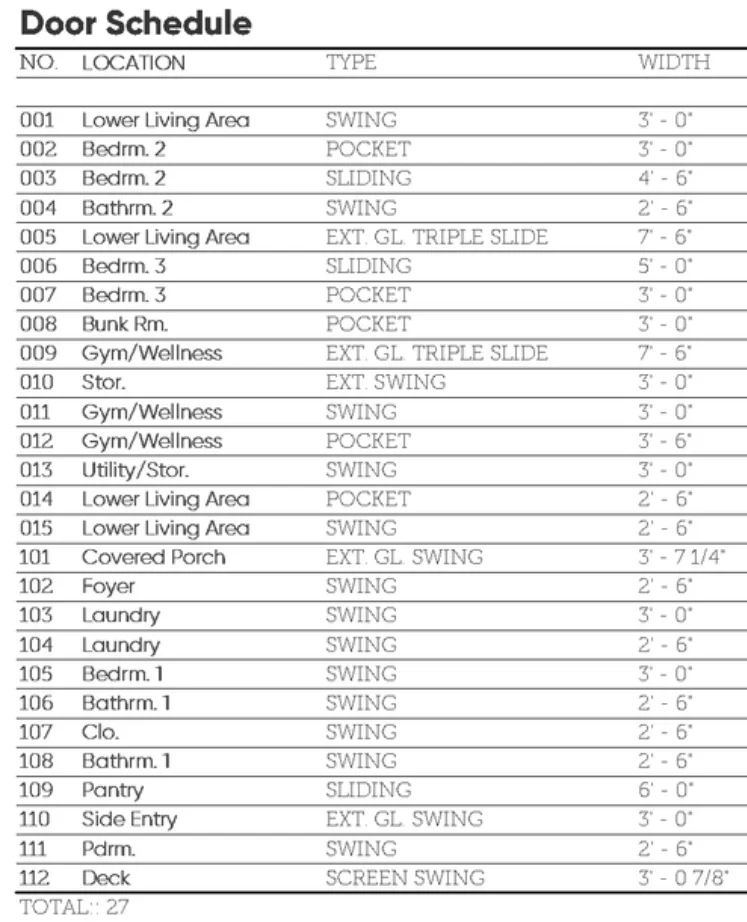

TAP Revit Template
A production-ready Revit template built for architectural practice — so you can open a new project and start designing, not configuring.
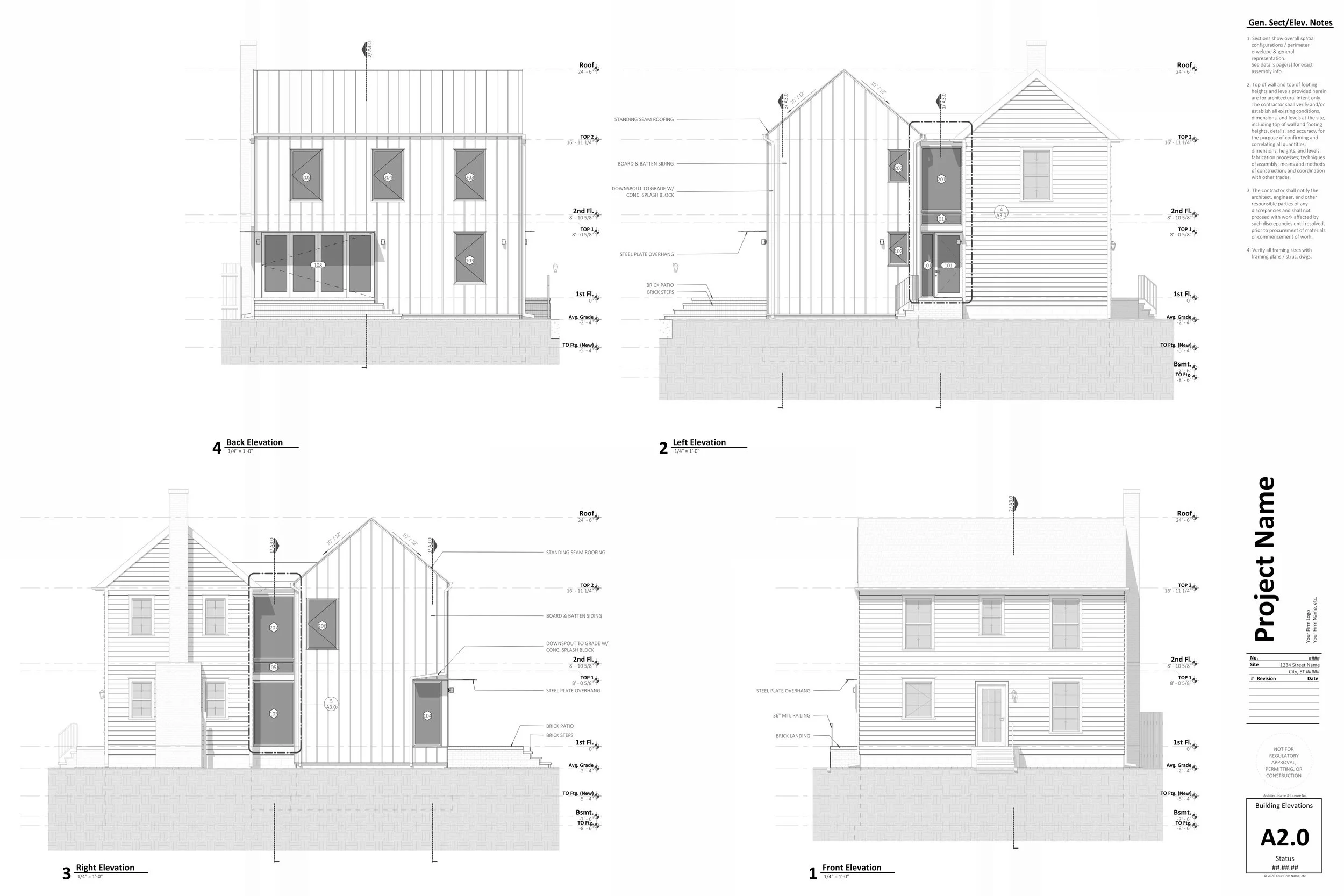
Use the same template I’ve developed and refined over years of practice and completed projects.
Save Time From Day One: Every project starts from a clean, configured baseline. No setup. No wasted first week. Just open and go.
Built-In Consistency & Standards: View templates, naming conventions, sheet layouts, and family standards are baked in — so every project your firm produces looks and works the same way.
Onboard New Staff Faster: Includes a full companion document that walks new team members through every part of the template, plus a sample model as a point of reference.