
3D Scanning
The Benefits
Traditional measurement with tape and lasers is prone to human error and leaves gaps in data. 3D scanning captures everything—down to the millimeter.
Eliminate Site Re-visits: Capture the entire space in one go. If you forgot to measure a window height, just pull it from the point cloud later.
Unmatched Accuracy: Identify structural sagging, non-orthogonal walls, and floor flatness issues that manual measurements would miss.
Clash Detection: Overlay your new designs against existing MEP and structural systems to find conflicts before they reach the field.
Safety & Access: Safely measure high ceilings, busy MEP rooms, or fragile historical facades without ladders or scaffolding.
Speed & Efficiency: Most equipment can be operated by a single user, eliminating the need to send a whole team. Plus, you can cover exponentially more area in a fraction of the time compared to hand measuring.
Workflow
Scan
The scanning process involves methodically placing the scanner (usually on a tripod) at key points throughout the interior and exterior of the building. Smaller rooms with less detail can be covered in 1-2 scan points, otherwise they are spaced out roughly 5-10 feet apart.
Depending on the exact settings and model of scanner, each scan point takes 30-60 seconds to capture.
Floor-to-floor scans can be tricky - its best to follow a staircase, moving a few steps up for each scan to ensure continuity and accuracy.
Process
Depending on the model of scanner, there are a few different ways to process the scan data. In the case of a Matterport Pro3, the completed scan is uploaded to their server for processing (8-12 hours, typically).
Once completed, you can request an E57 file (packaged point cloud) that can be converted into a .RCP or .RCS file for linking into a 3D modeling software (Revit, ArchiCAD, SketchUp, etc).
Matterport has their own Revit plugin to directly download the point cloud and bring it into the model. Otherwise, use a software like Autodesk ReCap to merge and export the point cloud.
Model
Link the point cloud into your platform of choice and start modeling right over top of it. Think trace paper over a print, but in 3D!
The point cloud file is a fully 3D object that can be sliced and diced in any way needed to ensure accurate spatial modeling. Using Matterport, you can also follow along in their virtual tour environment, complete with measuring tools and even AI decluttering.
Once the model is complete and cross-checked with the point cloud, simply unload the linked file - it can always be quickly reloaded if needed.
FAQ
-
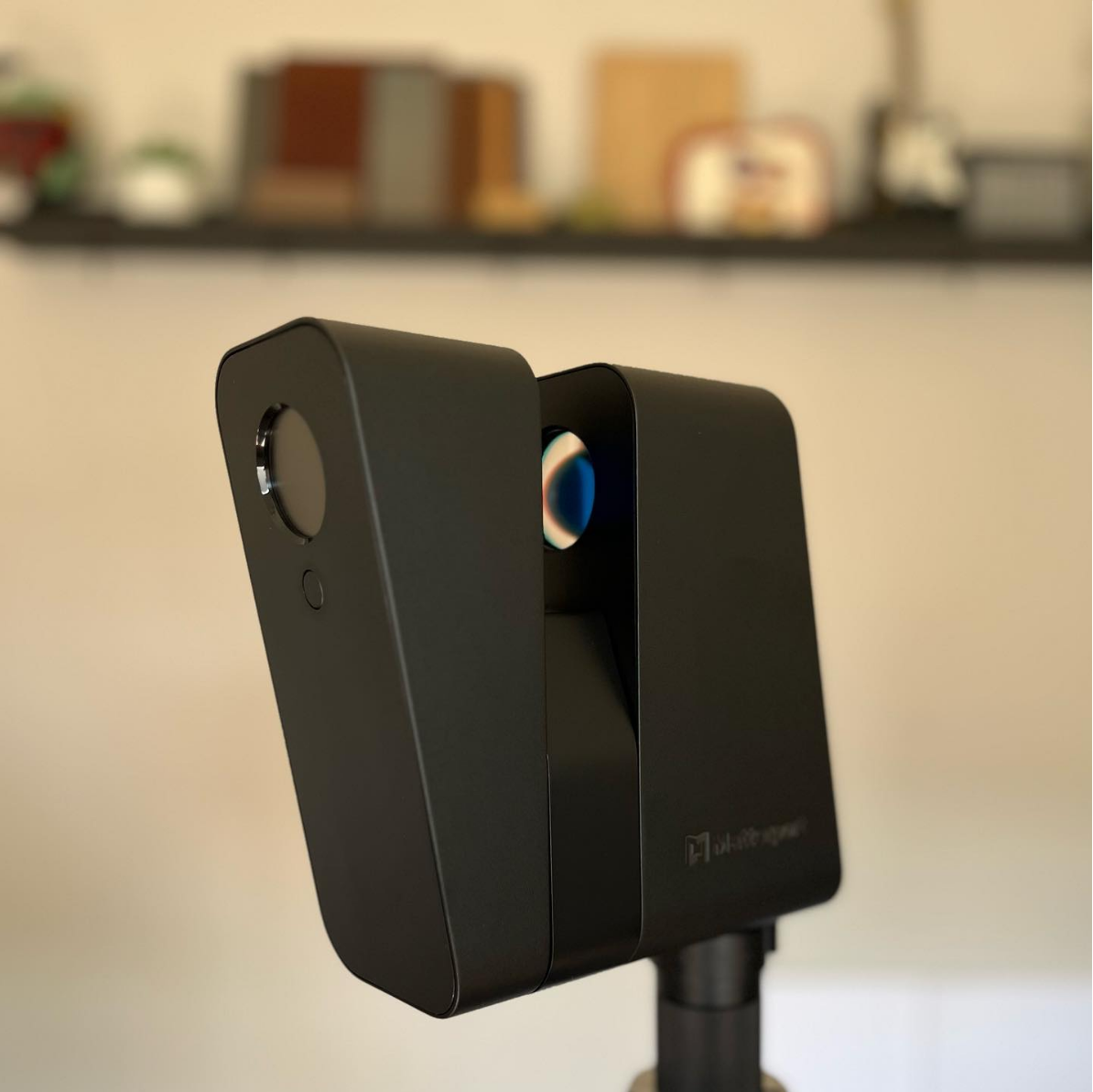
I personally use the Matterport Pro3 camera - it’s reasonably priced, incredibly simple to use, and can accurately scan both indoor and out with it’s LiDAR capabilities.
-
For example: I can scan a ±2,500 SF single family residence (2 story + basement & attic) in 1-2 hours.
-
In the case of Matterport, there is an annual subscription fee dependent upon how many active scans you have hosted on their server (for virtual tour access, downloading, etc). Additionally, there is a small processing fee per project to convert the scan into an E57 file.
Because I use the Matterport add-in for Revit, I don’t have to have a subscription for a software like Autodesk ReCap to process the scans.